The right planner layout depends on one thing: how much happens in a typical day.
Quick guide
| If your days look like… | Choose |
|---|---|
| A few appointments a week | Weekly planner |
| Several appointments, calls or tasks most days | Daily planner (a page a day) |
| Big deadlines and events, few daily details | Monthly planner |
| A mix: you plan the month, review the week and run each day | Month + week + day in one planner |
Why most daily planners feel hard to use
Many daily planners put all the monthly calendars at the front and the daily pages at the back. Planning the week means flipping between sections. A date-order layout fixes that: each month's spread, then each week of that month, then a page for each day of that week. Turn the page and you're on tomorrow.
What a useful day page has
- Appointments by the hour, so you can see free time at a glance.
- Top 3: the three things that make the day a success.
- Tasks with tick boxes.
- A small "Don't forget" box for calls, bills and errands.
- Room for notes.
Paper or digital?
Digital (iPad) planners are lighter and searchable, and hyperlinks make jumping between days instant. Printed planners don't need charging and many people remember what they write by hand better. If you can't decide, choose a planner that comes in both formats.
FAQs
Is a daily planner worth it?
If you have several appointments or tasks most days, yes: a page a day gives each day enough room. With only a few things a week, a weekly planner is enough.
What is a date-order planner?
A planner where each month is followed by its weeks, and each week by its day pages, so everything is in the order you live it.
Plan it in minutes
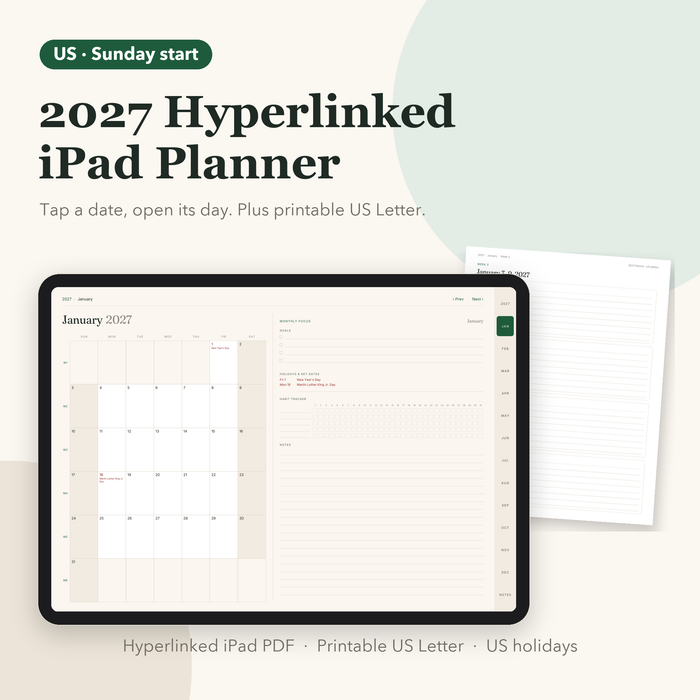
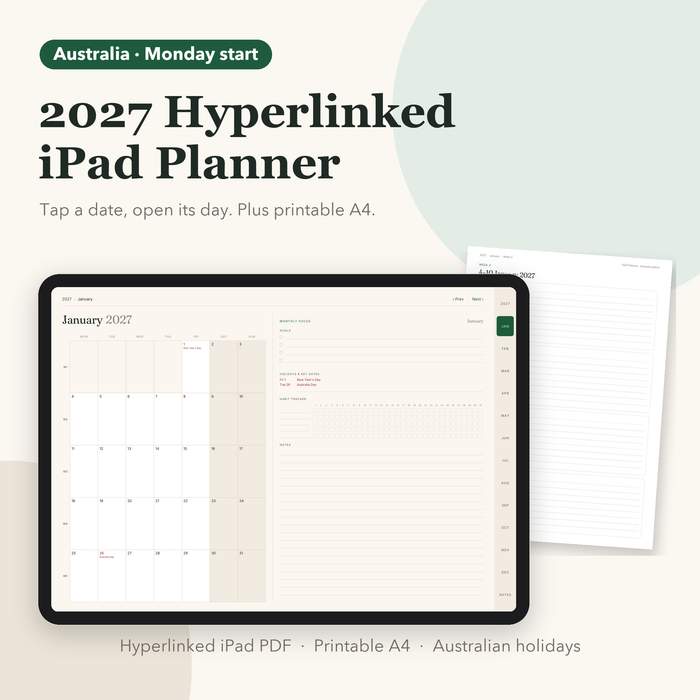
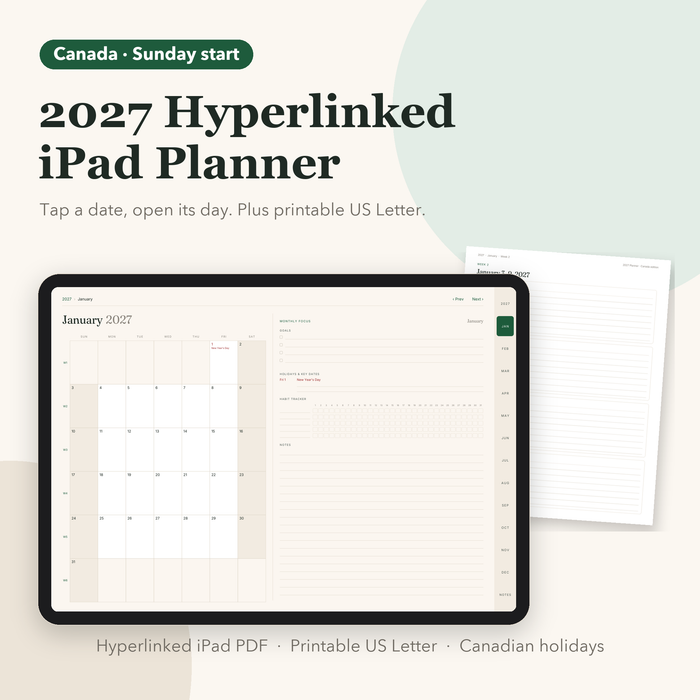
Month, then week, then a page for every day. Hyperlinked iPad PDF, printable at home, or printed and coil-bound.